Your record comes as one sealed download, with the checker your auditor runs on it.
Your auditor needs no Kanonik account to check it, and no internet connection either.
They open the checker in a browser and drop the file onto it.
Dana sends the package to Priya Shah, who audits Harbor Ledger, our sample company.
- Dana
One action builds it from the Audit log.
Kanonik puts the package together from the record it has kept all along, so there’s nothing to gather by hand. If Dana wants to know first what an auditor might still ask for, her AI can draw up that list.
- Kanonik
The package holds the record and the documents.
Every decision is in it, and each one shows who approved it. Priya can also see what the AI proposed and what the safety check said. The Statement of Applicability and the policies, procedures and controls are in it too, as files Priya can read. There’s a short report to open first, and a spreadsheet of the records to draw samples from.
- The auditor
Priya runs the checker on her laptop.
verify.html opens in any browser and checks the file where it is. Nothing is uploaded. A technical colleague at her firm can run verify.py or verify.mjs from the command line instead, and all three run the same checks.
- The auditor
She reads the checker’s result.
The checker tells her whether the seal still matches. If anyone had added, removed or changed a single entry after sealing, it wouldn’t.
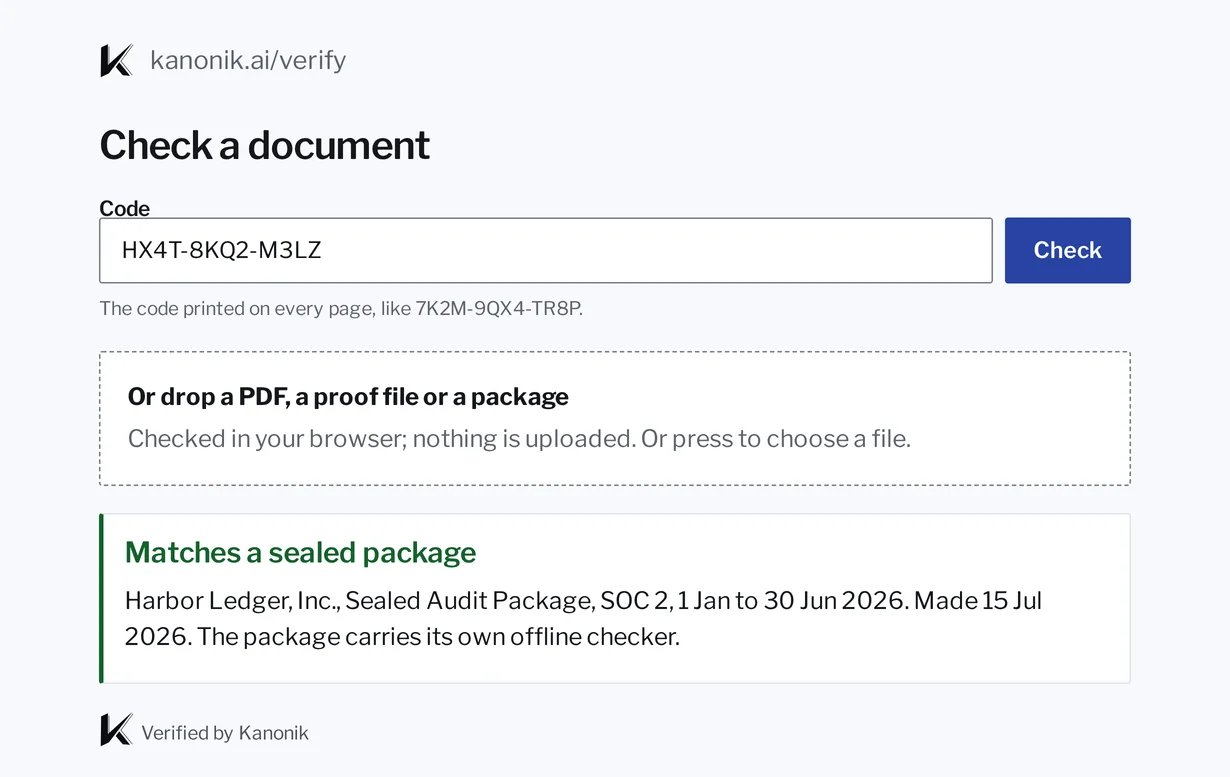
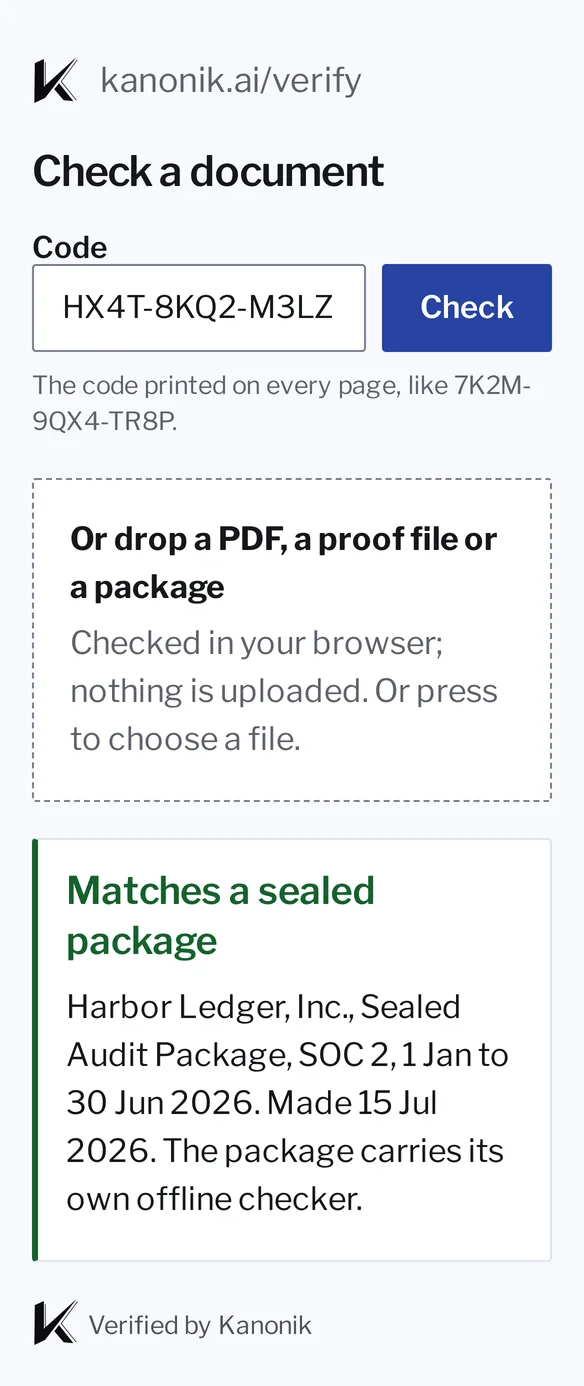
What Priya sees when the check finishes.
The check page in Kanonik, with sample data from Harbor Ledger.
We think fieldwork goes better when the auditor doesn’t have to wonder whether the files were changed.
For everyone else, there’s the Proof Snapshot.
The package covers one audit period, and it goes to your auditor. When a buyer, a prospect or your board wants to see where you stand, you send them a Proof Snapshot. It’s a signed copy of your program at that moment, and they check it themselves at kanonik.ai/verify.
Neither the snapshot nor the package is a certificate or an audit opinion. Both show what your team approved, and that nobody changed it afterwards.
| What | Proof Snapshot | Sealed Audit Package |
|---|---|---|
| What it is | A signed copy of where your program stands at one moment | The record of one audit period, sealed |
| Who it’s for | Anyone you choose to share it with | Your auditor |
| What’s in it | Where you stand on each of your frameworks, signed with your record’s chain | Every approved decision in the period, the Statement of Applicability, your policies, procedures and controls, and the checker |
| When you make one | Whenever you like, as often as you like | When you finalize an audit session |
| How it’s checked | Offline at kanonik.ai/verify, with no Kanonik account | With the checker inside it, offline, with no Kanonik account |
| Sealed to an audit period | No | Yes, with a package code on every page |
| Which plans | Every plan | Audit-Ready and Enterprise |
Invoices and plan changes stay out of the package.
What you pay us isn’t evidence about your security program, so your auditor doesn’t see it. Those entries keep their place in the chain with no content. The package says how many there are, and the checker confirms the count against Kanonik’s signed list.